WhatsApp Live Chat
Fast activation and live setup help for Firestick TV and HaoseTV.

Flash sale unlocked ⚡ 25% off with code “SUMMER”
Get 24/7 instant setup assistance, free trials, and fast technical support for Firestick TV, HaoseTV, and HDTV channels.
Fast activation and live setup help for Firestick TV and HaoseTV.
Detailed technical assistance for HaoseTV configuration and account renewals.
Test 4K & HDTV channels on your Firestick TV for 24 hours.
Before submitting a ticket for streaming playback issues, we recommend trying these fast diagnostic steps. Most common streaming issues can be resolved in less than two minutes.
Perform a Complete Reboot: Unplug the power source from your internet router and streaming device (Smart TV, TV Box, or media player) for 30 seconds, then reconnect.
Verify Internet Bandwidth: Run a speed test on your device. Ensure you have a stable connection of at least 25 Mbps for 1080p HD streams and 50 Mbps for 4K UHD live sports.
Clear App Cache: Navigate to device Settings > Applications > Manage Applications, select your media player (TiviMate, IPTV Smarters, or IBO Player), and clear the cache.
Double Check Credentials: Verify that your server URL, username, and password strictly match the details in your activation email (case-sensitive).
Your IPTVVBOX subscription comes from us, while the player app you use to stream live channels comes from a separate developer.
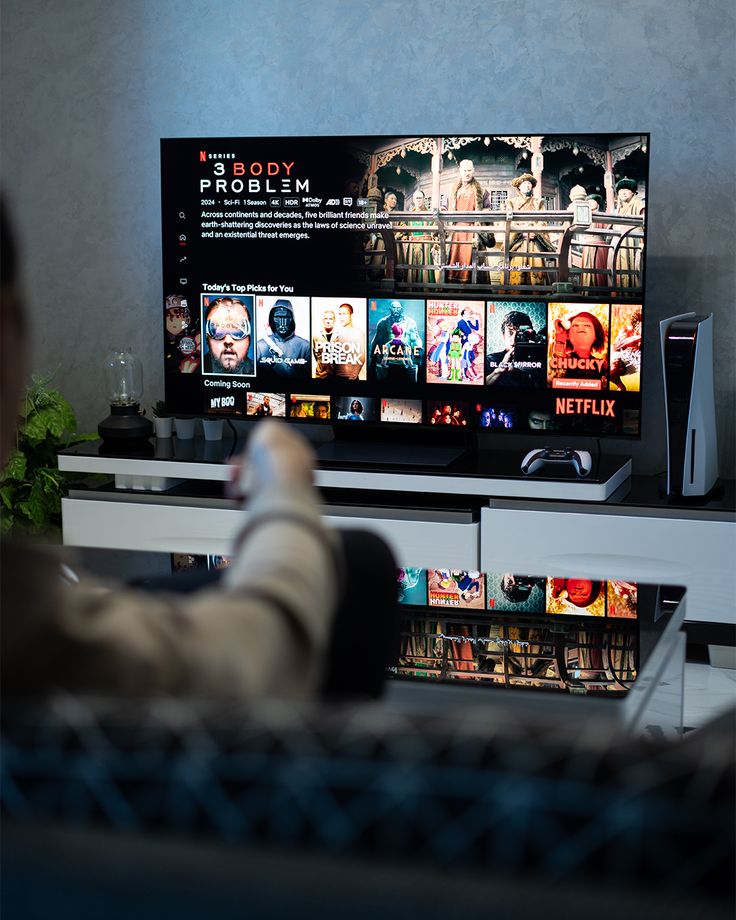
Your IPTV app is simply the media player you use to access and stream your content on your streaming or Android device. It is developed and maintained by a separate company.
If your app expires, stops working, or requires a paid license update, your subscription itself remains 100% active and untouched.

Your service is provided directly by IPTVVBOX and remains active independently from whichever application you use on your TV.
You can simply install another compatible IPTV player on your device, log in with your Xtream credentials, and continue enjoying 4K streams seamlessly.
Find quick answers to common setup questions, app compatibility guidelines, and troubleshooting instructions for your streaming devices.
Setting up your streaming service is fast and simple. Install your preferred media player application, launch the app, and select Xtream Codes API. Enter the server URL, username, and password provided in your activation email to start streaming immediately.
If your player application shows an expired message, remember that your subscription is separate from the third-party app license. Your subscription remains active. You can simply switch to another compatible media player on your device, enter your credentials, and restore your full channel access right away.
To ensure smooth, uninterrupted live streaming, connect your device via Ethernet cable or use a 5GHz Wi-Fi band. Test your connection speed with Speedtest to verify you have at least 25 Mbps for high-definition quality and 50 Mbps for 4K UHD channels. Regularly clearing your player cache also helps maintain optimal performance.
You can install your account on multiple devices, including Smart TVs, TV boxes, or mobile devices. However, active simultaneous streaming depends on your plan connections. Contact our support team on WhatsApp if you require multi-room or multi-device subscription upgrades.

